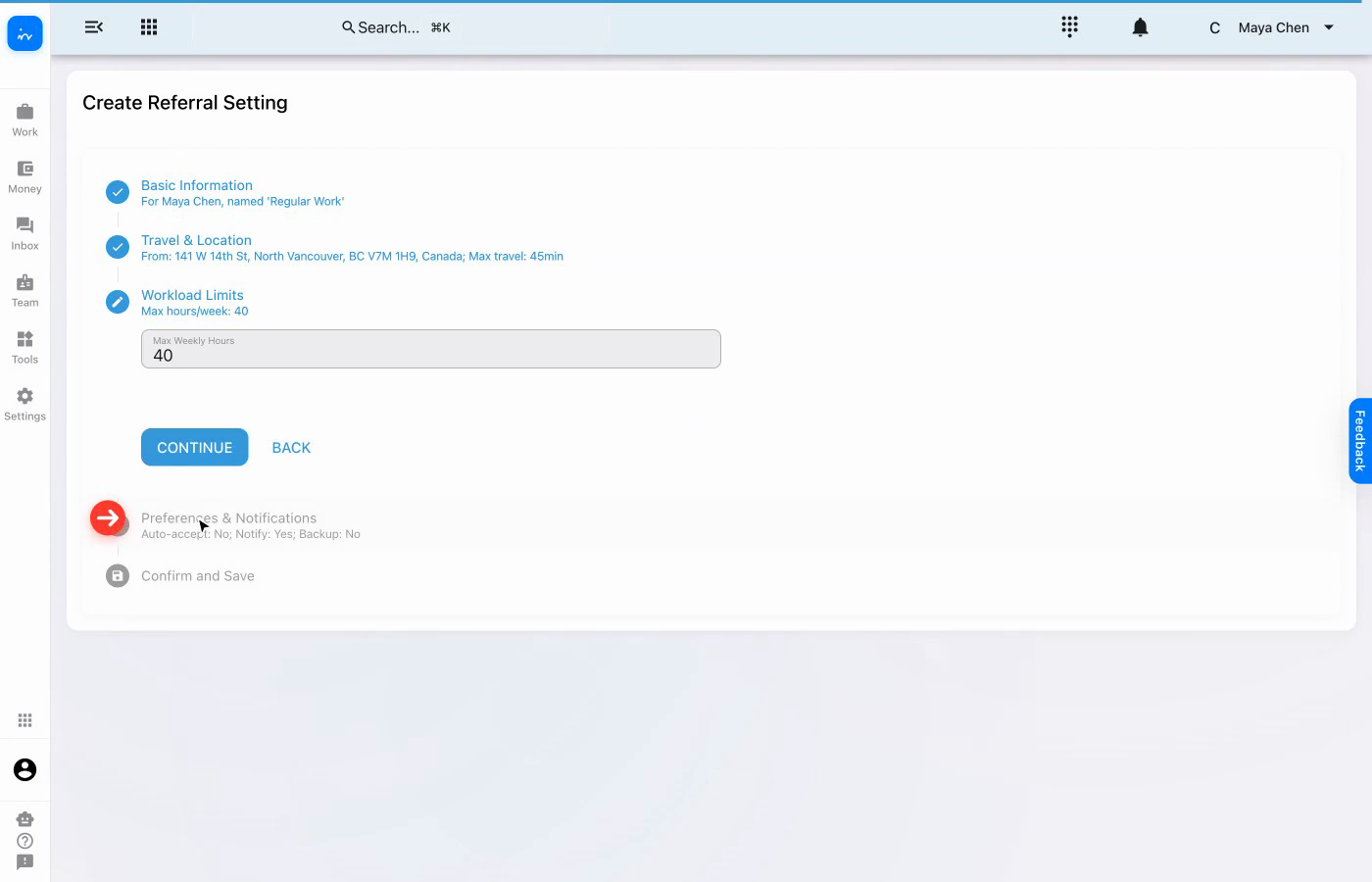
Name the setting and select the team member.
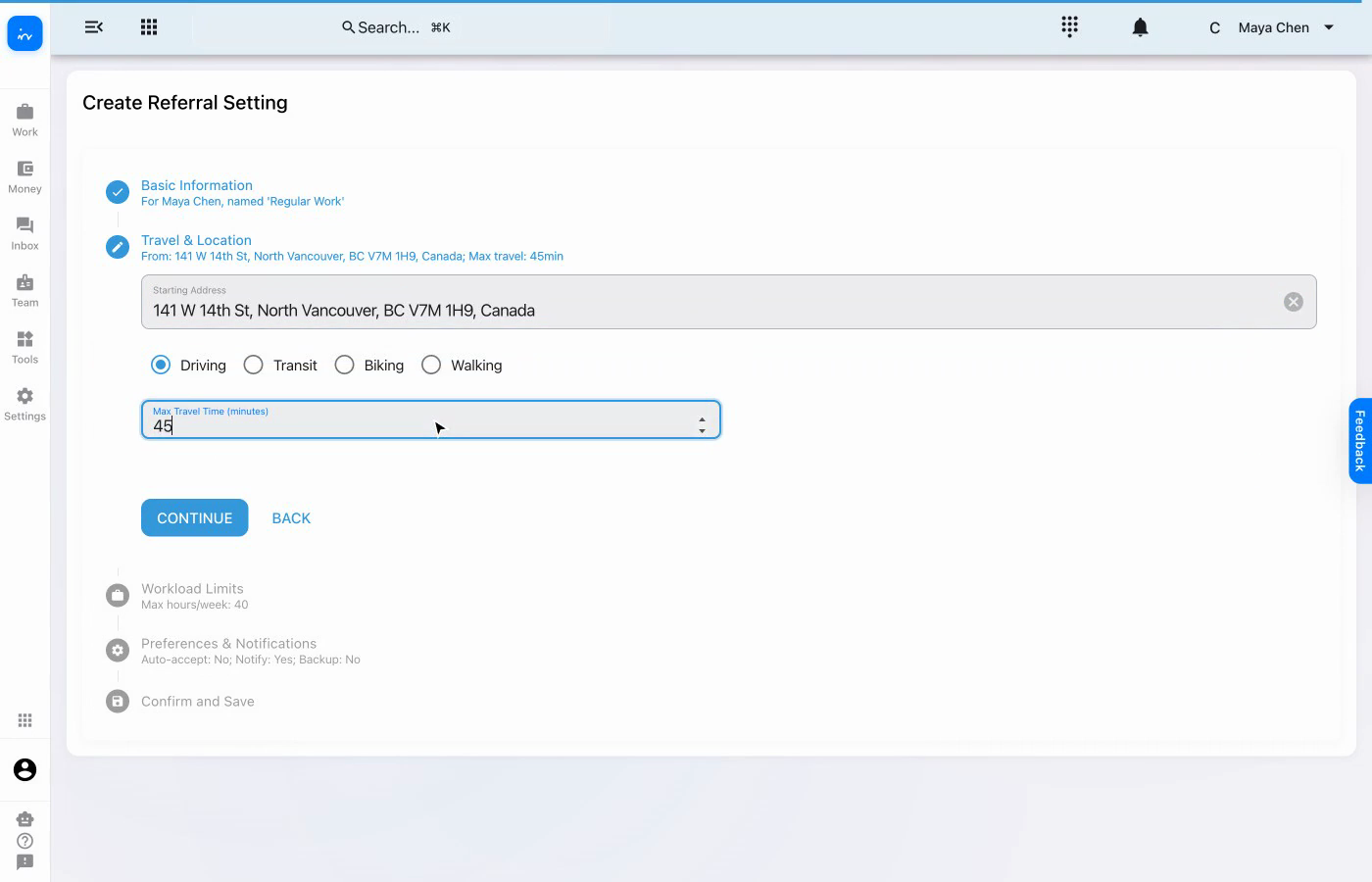
Set the starting address, travel mode, and time limit.
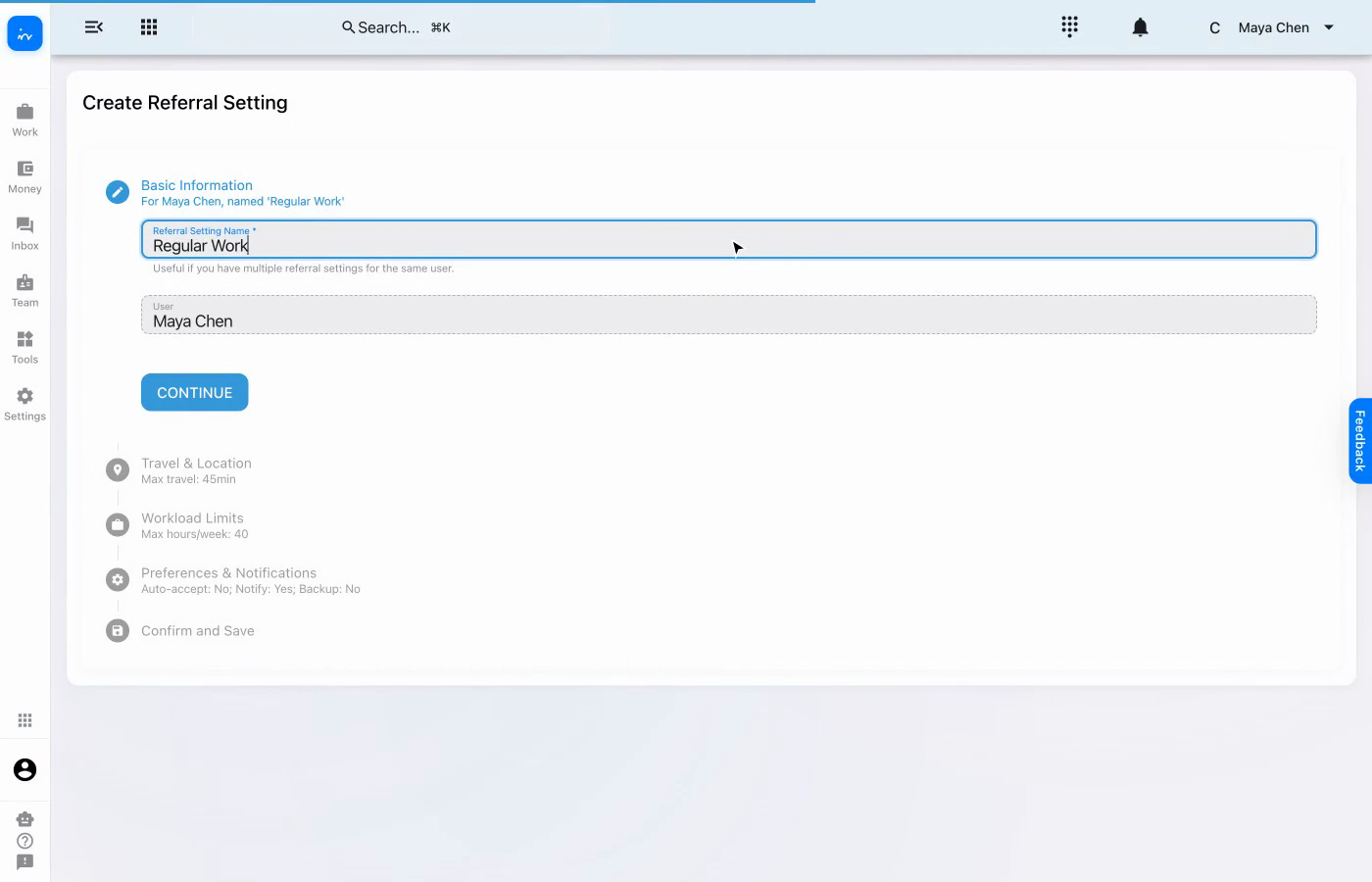
Record the weekly workload limit.
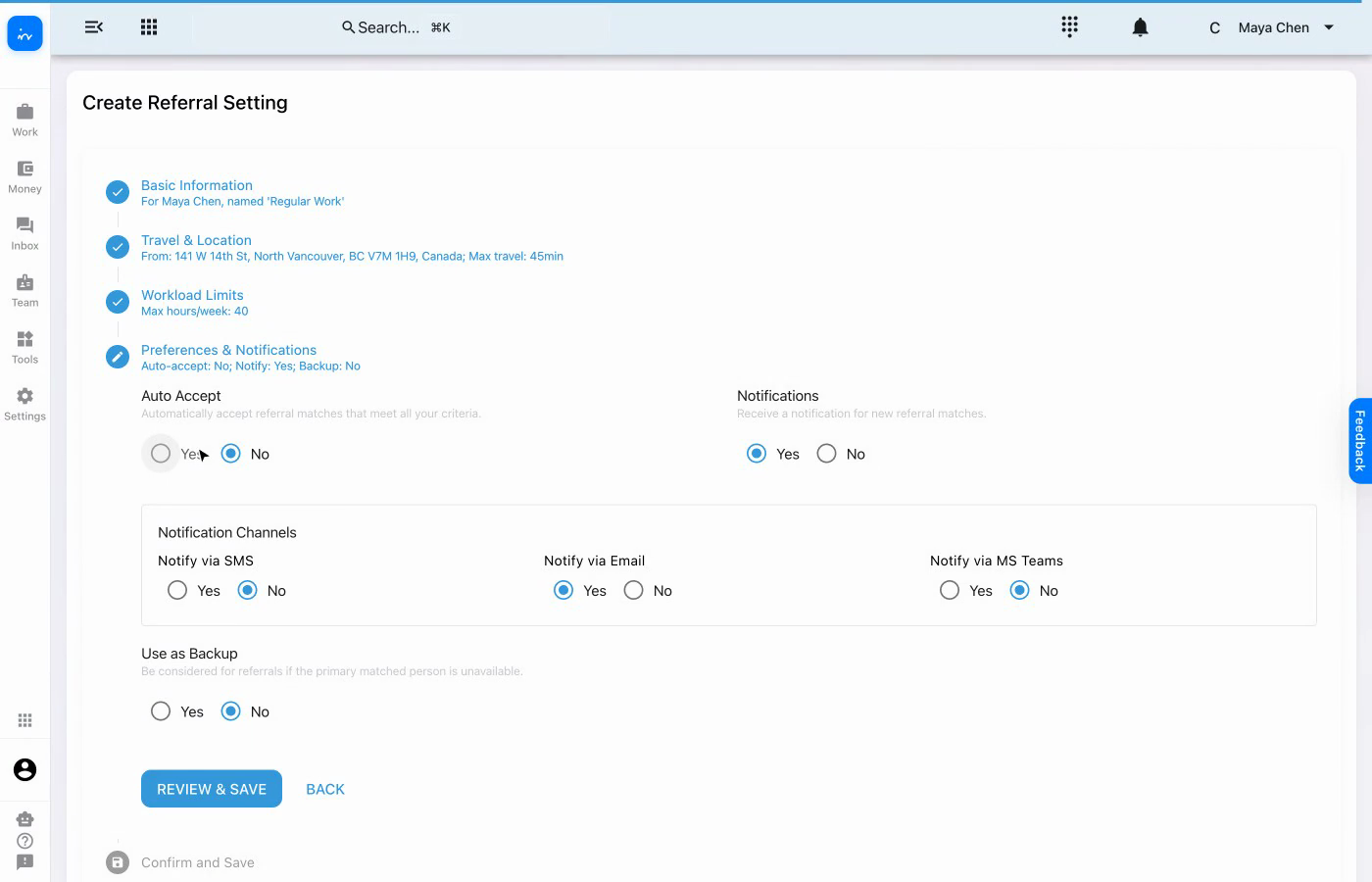
Choose acceptance, notification, channel, and backup preferences.
Referral settings
Create a referral setting for Maya Chen that defines where travel starts, how far she can travel, her weekly workload, and how she wants to hear about new matches.
Name the setting and select the team member.
Set the starting address, travel mode, and time limit.
Record the weekly workload limit.
Choose acceptance, notification, channel, and backup preferences.
Create Regular Work for Maya Chen. A clear name helps distinguish this setting when a person has more than one referral profile.

Use the North Vancouver starting address, select Driving, and set a maximum travel time of 45 minutes.

Record 40 as the maximum weekly hours. This gives the referral setting a clear capacity limit.

Keep auto-accept off, turn notifications on, use email as the notification channel, and leave backup status off.

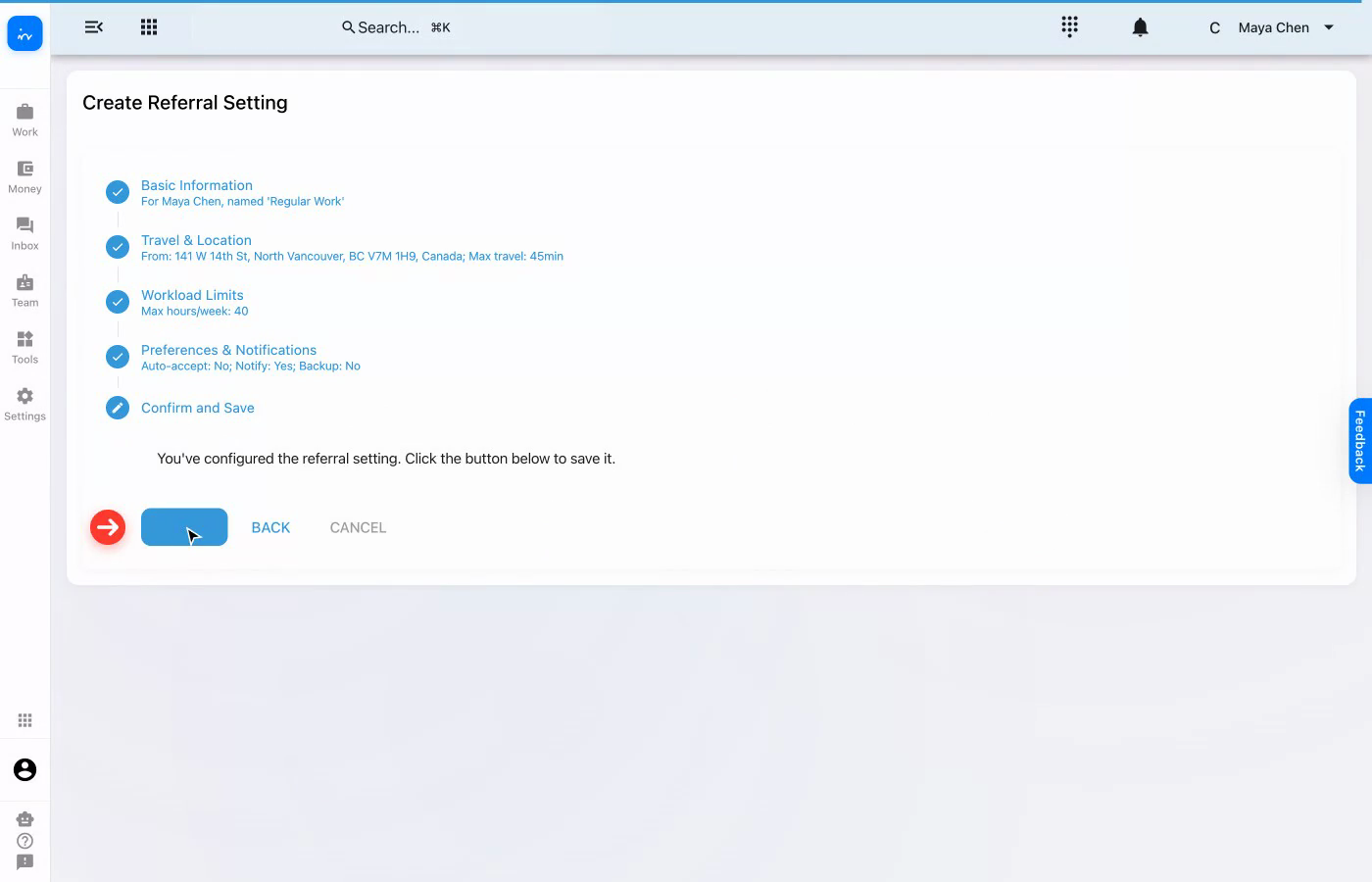
The summary shows the selected person, travel boundary, workload, and notification choices together. Review them before saving.

Complete workflow
Travel starts from a known location.
The setting uses the North Vancouver address and driving mode.
The travel boundary is explicit.
Matches can be evaluated against a 45-minute maximum.
Weekly capacity is recorded.
The profile shows a 40-hour weekly limit.
Email notifications are enabled.
Maya can review matches before accepting them.
Bring referral matching, scheduling, client care, travel, and team workflows together in one platform.
Assignment flexibility: Clinics can let therapists choose from referral opportunities, have coordinators select and assign, or enable rule-based auto-assignment using configured availability and capacity. The clinic chooses the strategy, and it can be tailored.
Visit ntdy.io →