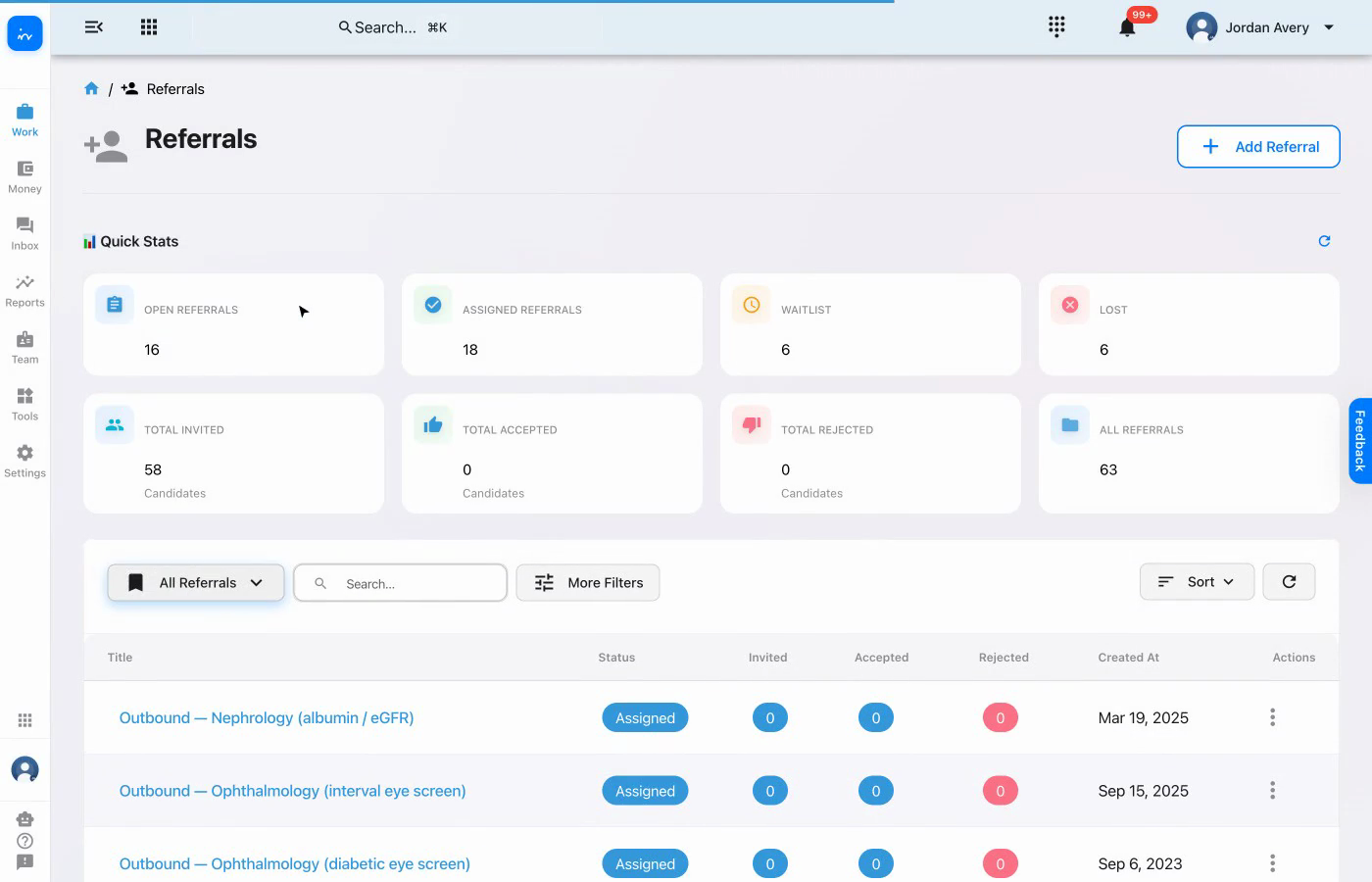
Find the referral that is ready for assignment.
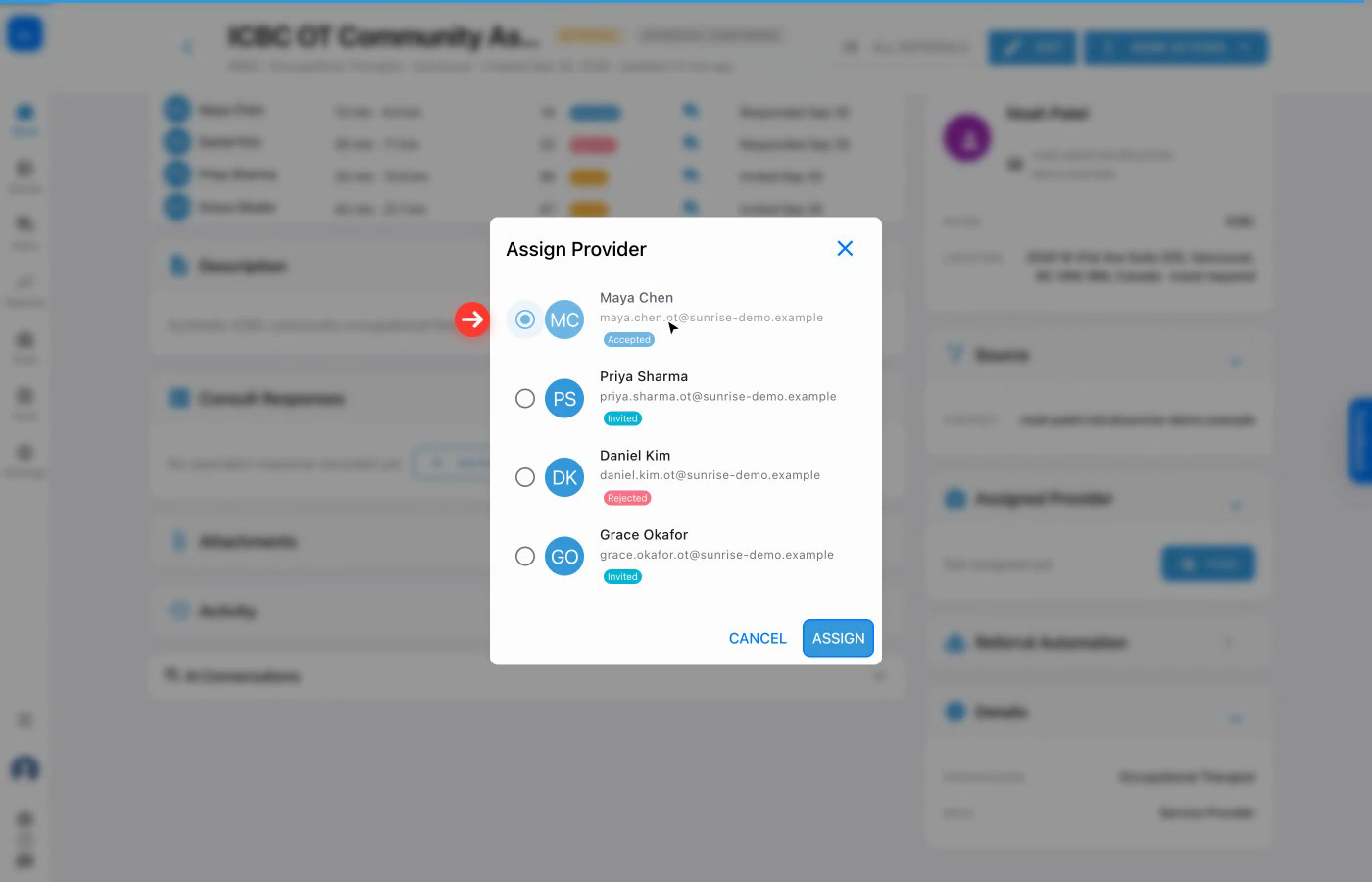
Check accepted, rejected, and awaiting responses.
Select the accepted candidate in the provider dialog.
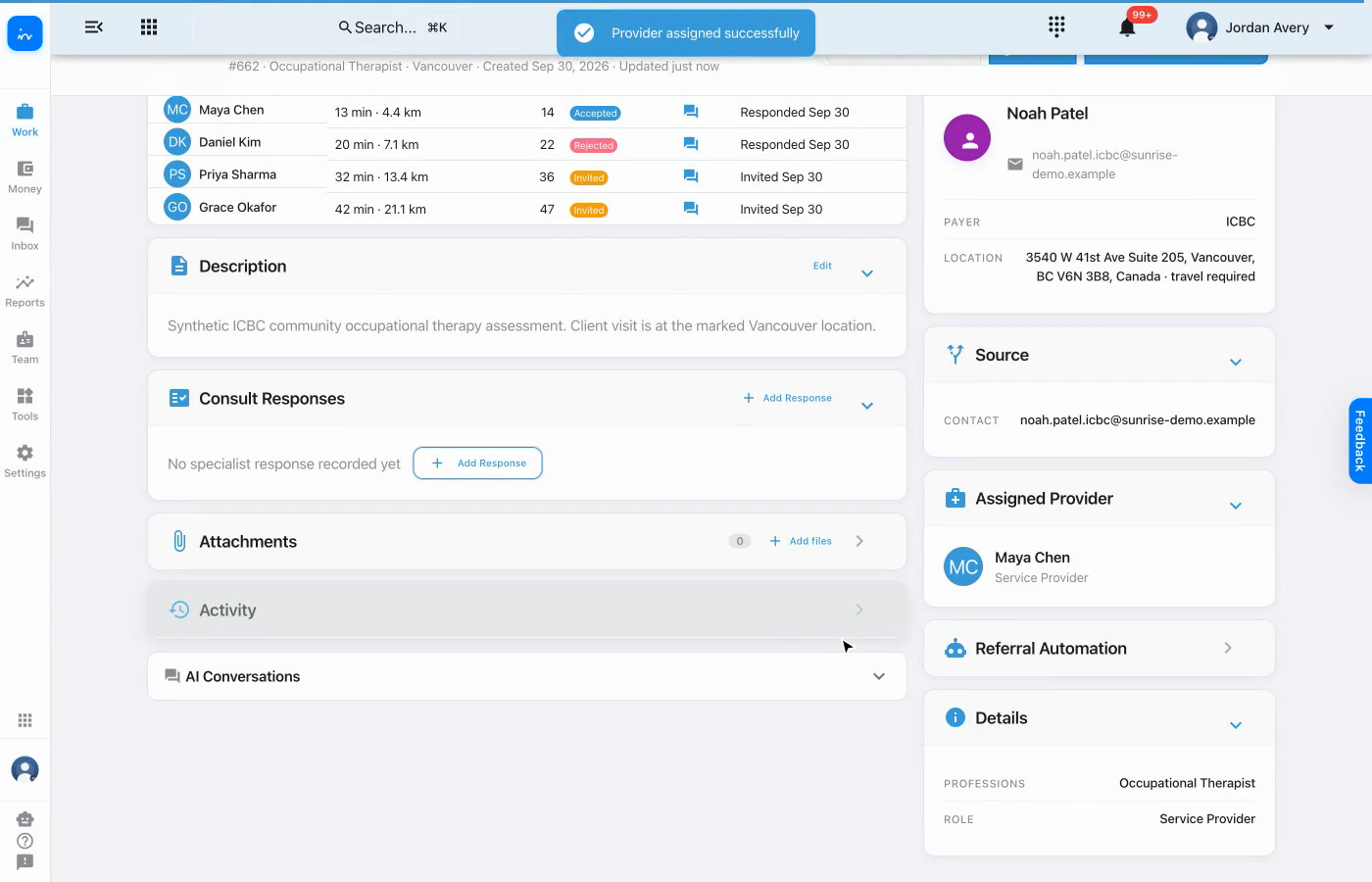
Confirm the assigned provider on the referral.
Workflow overview
Confirm each candidate's response before assignment, select the accepted provider, and leave a clear assignment record on the referral.
Find the referral that is ready for assignment.
Check accepted, rejected, and awaiting responses.
Select the accepted candidate in the provider dialog.
Confirm the assigned provider on the referral.
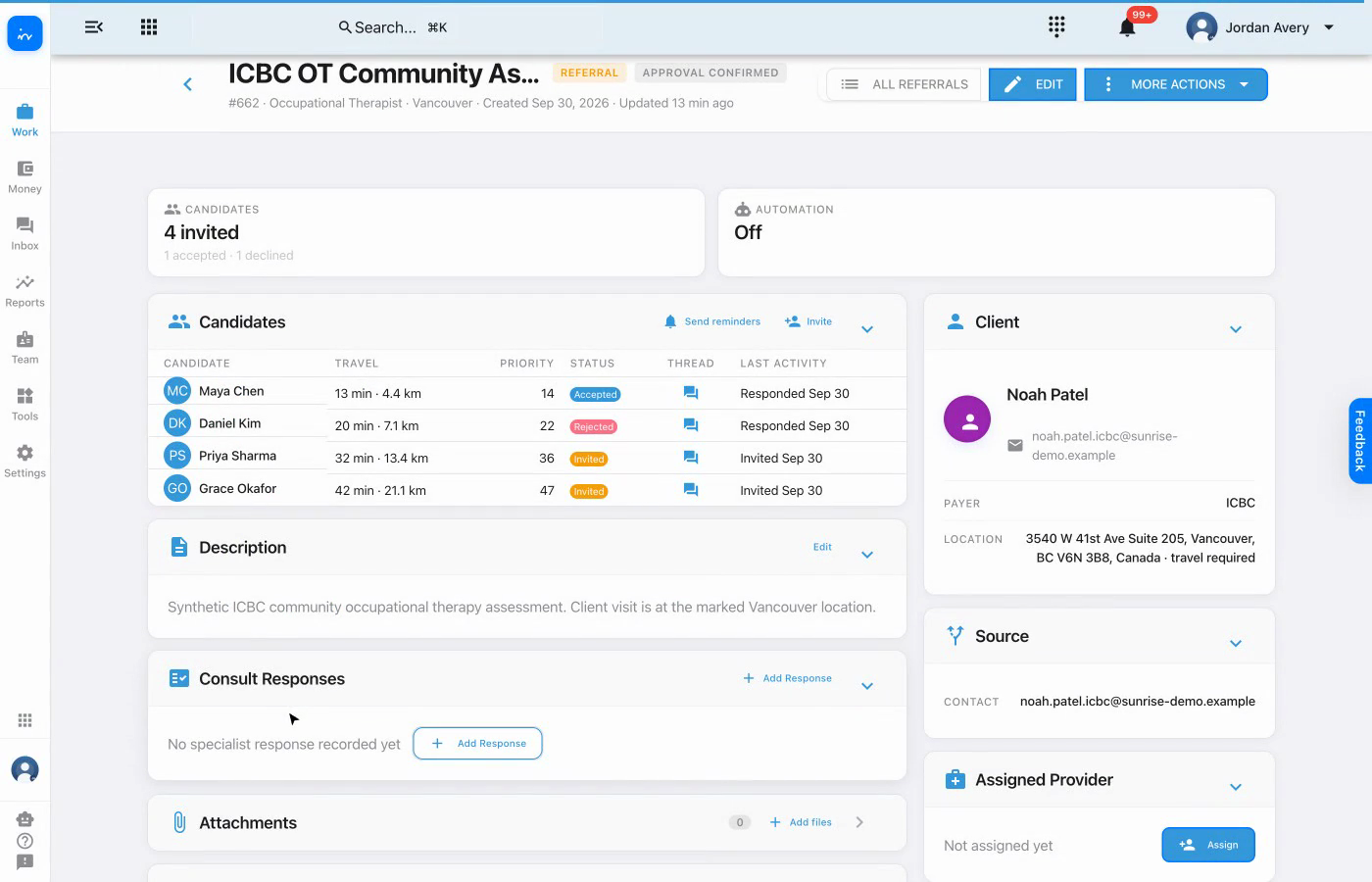
From the referral list, open the ICBC OT Community Assessment that is waiting for a provider.

Maya Chen has accepted, Daniel Kim has rejected, and Priya Sharma and Grace Okafor are still invited and awaiting responses. Maya is the realistic choice to assign.

Choose Assign in the Assigned Provider panel. The dialog carries each candidate's current response status into the selection step.

Select Maya because her accepted response is already recorded. The other candidates remain visible for context, including Daniel's rejection and the two outstanding invitations.

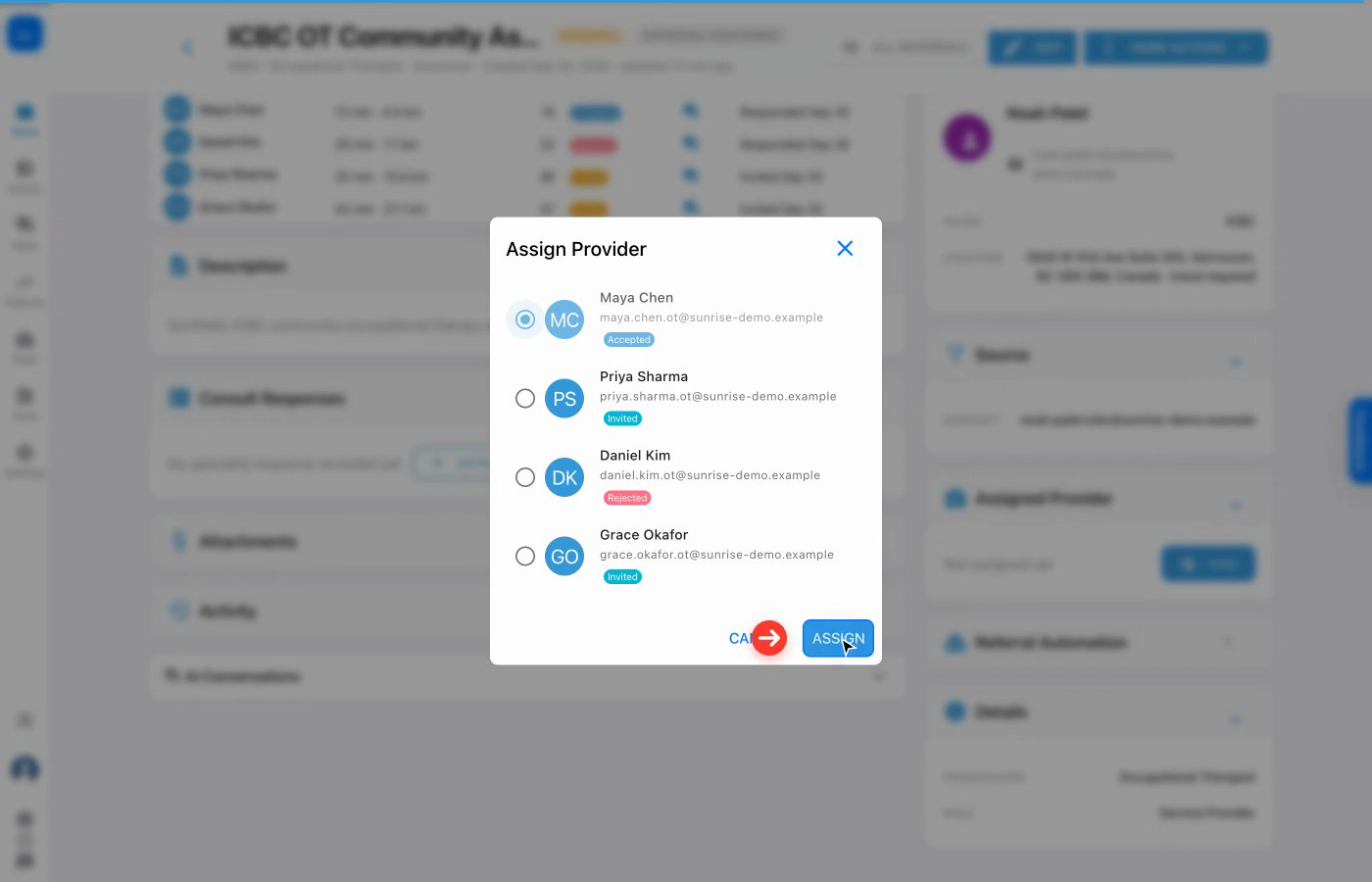
Choose Assign. A success message appears and the Assigned Provider panel now identifies Maya Chen as the referral's service provider.

Complete workflow
The response history is visible.
Accepted, rejected, and outstanding invitations remain clear.
The assignment follows the recorded response.
Maya is selected after her acceptance is recorded.
The referral updates immediately.
The Assigned Provider panel names Maya Chen.
The client and referral stay together.
Noah Patel's referral retains the full candidate context.
Bring referral intake, provider responses, assignment, reminders, and client care together in one platform.
Assignment flexibility: Clinics can let therapists choose from referral opportunities, have coordinators select and assign, or enable rule-based auto-assignment using configured availability and capacity. The clinic chooses the strategy, and it can be tailored.
Visit ntdy.io →